
Alternative workflow
A browser-first alternative workflow for Claude Code users.
If you like Claude Code but need a browser workspace, CCOnline gives you a complementary path: run coding sessions in an isolated cloud sandbox without preparing the local machine first.
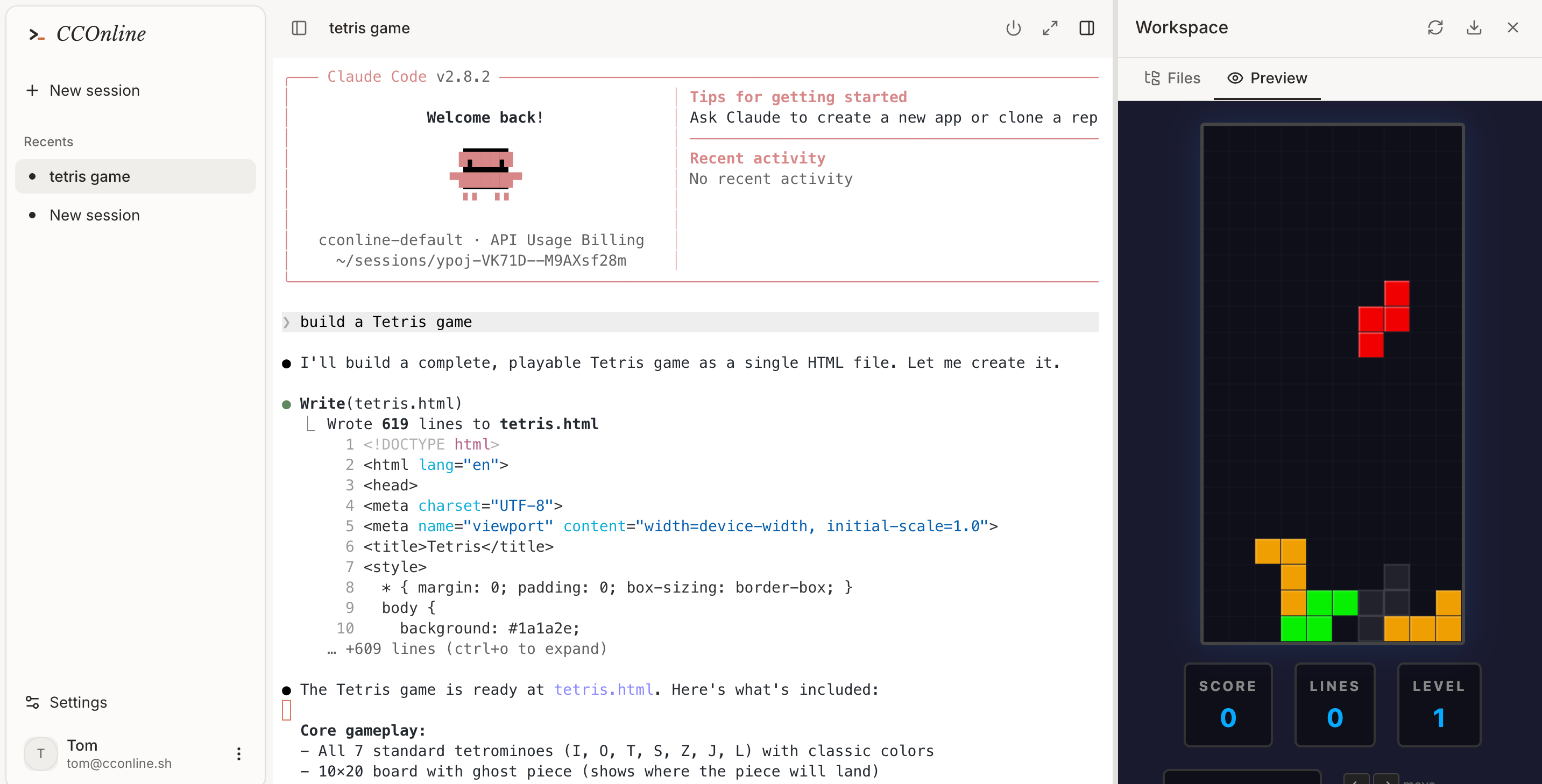
Run coding work from a device that is not your main dev machine.
Keep risky installs and experiments outside your local environment.
Demo an AI coding workflow to teammates without asking them to install tools.
Workflow
From prompt to tested code in one cloud session.
- 01
Choose CCOnline when browser access matters more than local integration.
- 02
Use the cloud sandbox for the agent loop, tests, and previews.
- 03
Move the final result into your normal workflow when it is ready.
- 04
Keep local Claude Code for deeply integrated daily work if needed.
CCOnline as a Claude Code alternative
Common questions
Is CCOnline replacing Claude Code?
No. CCOnline is a browser-first way to run Claude Code-style work in a cloud sandbox, especially when local setup is inconvenient.
Why would I use it instead of local Claude Code?
Use it when you want isolation, fast setup, browser access, or a disposable environment for a specific task.
Can teams use it for demos?
Yes. A browser workspace is easier to show, resume, and inspect than a setup that depends on one person’s laptop.