
Claude Code Online
Run Claude Code online without setting up your laptop.
CCOnline gives you a browser-based Claude Code workspace with a live shell, project files, previews, and resumable sessions. It is built for developers who want the Claude Code loop without installing local tooling first.
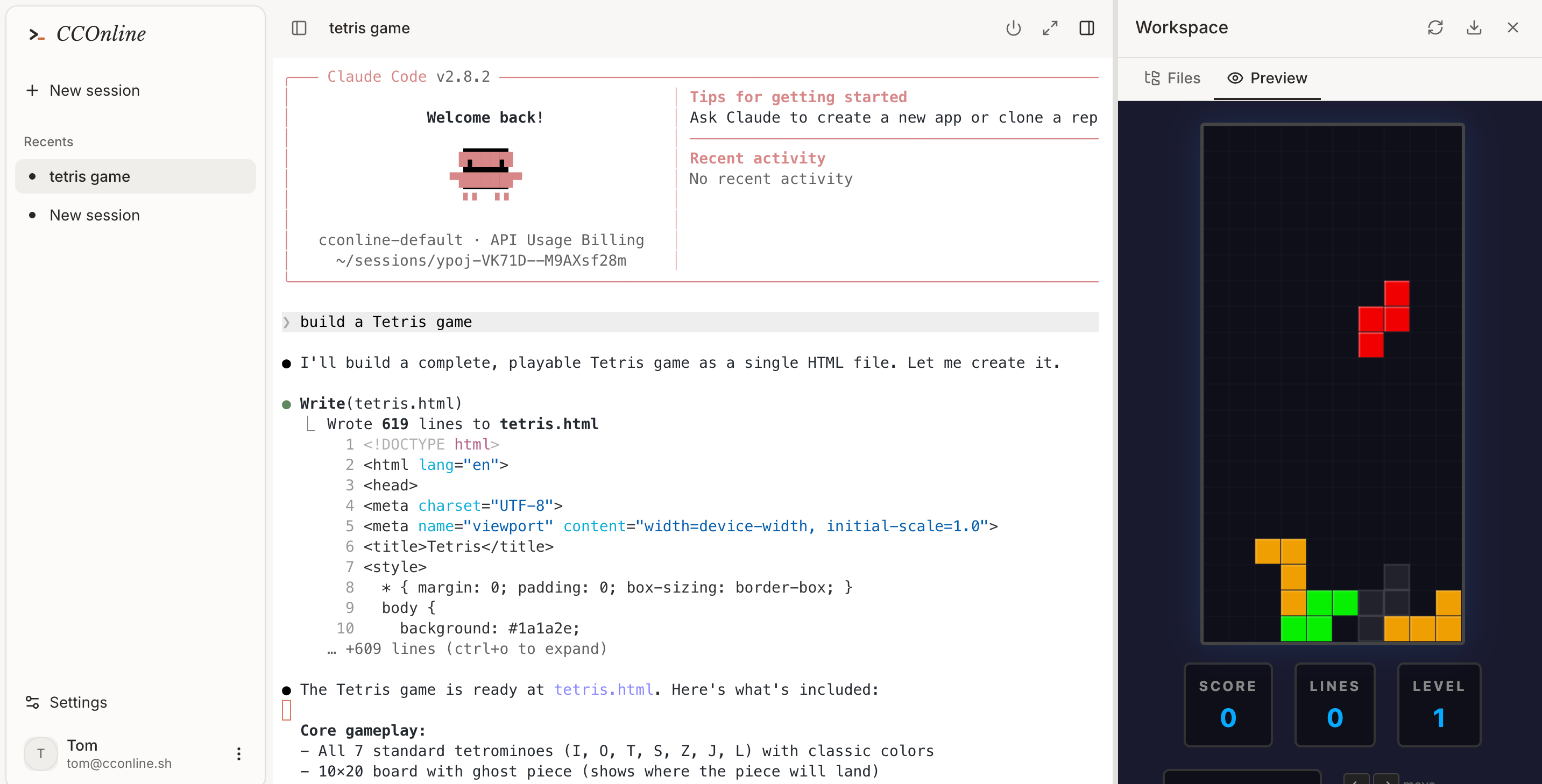
Open Claude Code from a locked-down work laptop, iPad, Chromebook, or temporary machine.
Prototype a new app in an isolated sandbox before pulling anything onto your local machine.
Share a reproducible coding session with teammates without asking them to recreate your environment.
Workflow
From prompt to tested code in one cloud session.
- 01
Open a CCOnline workspace in the browser.
- 02
Describe the change you want Claude Code to make.
- 03
Watch the terminal, file edits, installs, tests, and preview loop run inside the sandbox.
- 04
Resume the session later from the saved workspace state.
Claude Code online vs local setup
Is this the real Claude Code CLI?
Yes. CCOnline runs Claude Code in a cloud sandbox and streams the terminal experience into the browser.
Do I still need a local development environment?
No for browser-based sessions. You can use the cloud sandbox for installs, file edits, tests, and previews.
Is there an invite requirement?
No. Registration is open, and new users can start with a free credit grant.