
No install setup
Use Claude Code without installing a local environment.
Local setup is still useful for daily development, but it should not block a quick coding task. CCOnline lets you start Claude Code from a prepared browser workspace instead.
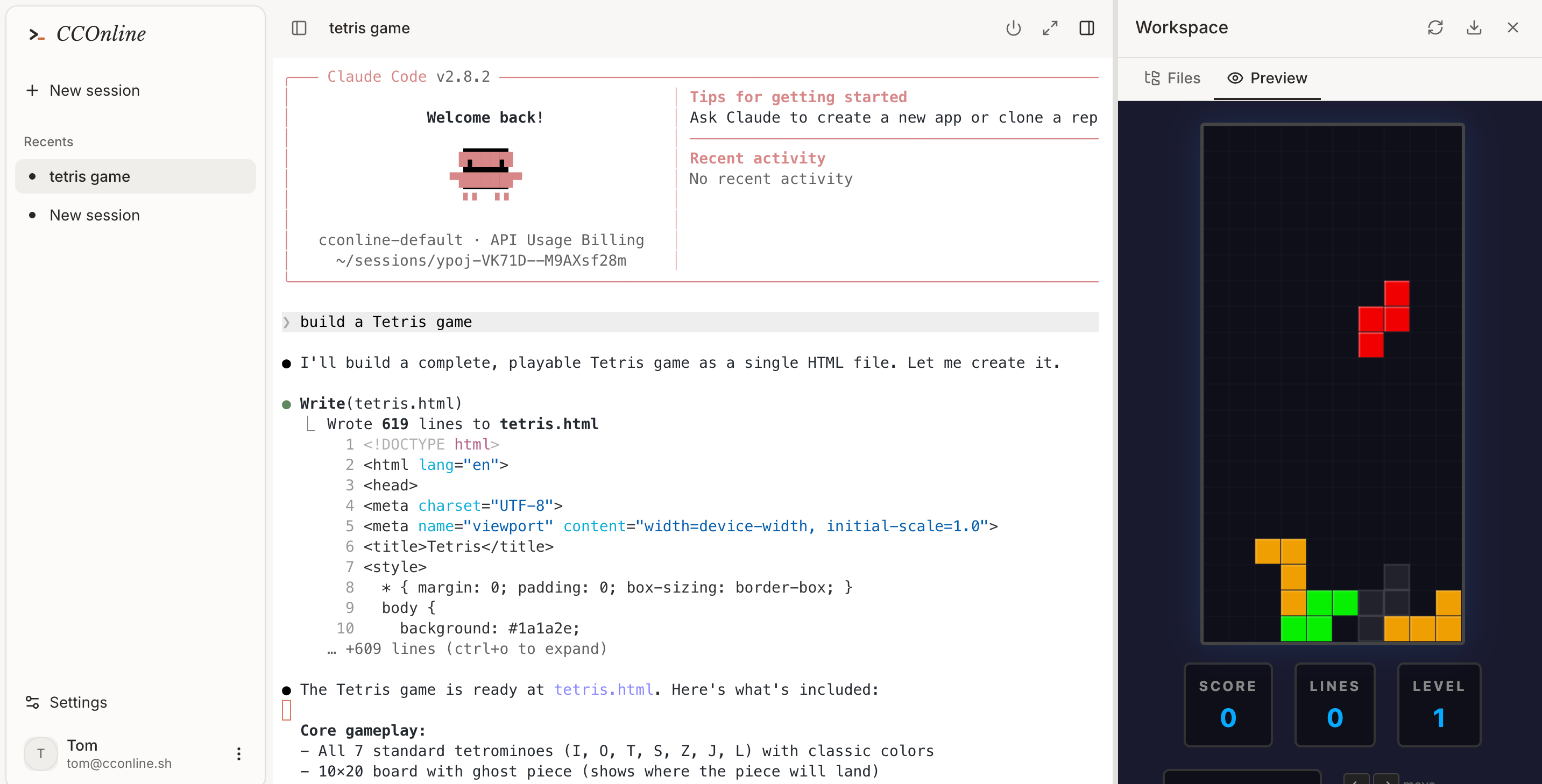
Try Claude Code before changing your local machine.
Work from devices where you cannot install developer tools.
Run dependency-heavy tasks in a disposable sandbox.
Workflow
From prompt to tested code in one cloud session.
- 01
Open CCOnline from your browser.
- 02
Create a workspace and describe the coding task.
- 03
Let the sandbox handle shell commands, package installs, and tests.
- 04
Download or copy the result when you are ready.
No-install workflow
Common questions
Is no-install Claude Code slower?
Startup depends on the sandbox, but you save the local setup step and can begin from a prepared environment.
Can I still use my own keys?
CCOnline supports platform usage and BYOK-oriented workflows depending on your configuration and plan.
Should I replace local Claude Code entirely?
Not necessarily. Many teams use browser workspaces for quick tasks and local setups for long-running daily repos.